Get the prebuilt SDK from GH actions
Download the prebuilt toolchain from GH action artifacts
Precondition
You have to be logged on GitHub
- Go to https://github.com/MiyooCFW/buildroot/actions and select the latest action
- From the artifacts section download SDKs
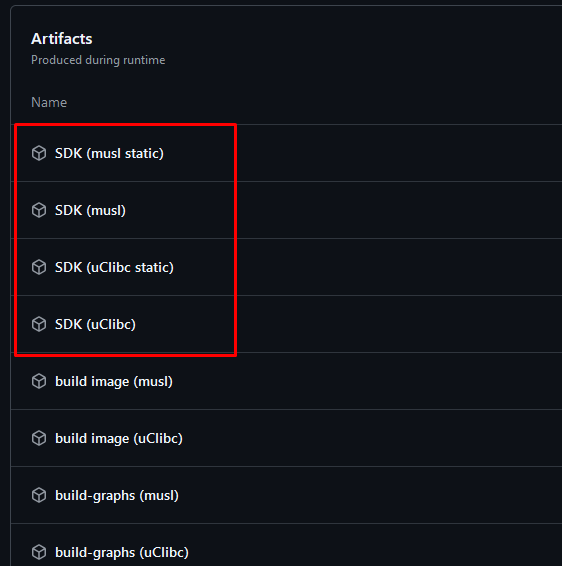
- Once you have downloaded it, extract it
For e.g. uClibc SDK perform this steps:
gzip -d arm-miyoo-linux-uclibcgnueabi_sdk-buildroot.tar.gz
tar xvf arm-miyoo-linux-uclibcgnueabi_sdk-buildroot.tar
mv arm-miyoo-linux-uclibcgnueabi_sdk-buildroot miyoo
sudo cp -a miyoo /opt/
/opt/miyoo/relocate-sdk.sh
Your SDK is ready to use
The host binaries for cross-compilation will look like this:
$LIBC - your SDK libs' implementation in HOST machine (uclibc/musl) $EABI - embedded-application binary interface (gnueabi/eabi)